One of the biggest differences between enjoyable family history and frustrating family history is organisation.
Most of us start with enthusiasm: downloading certificates, saving census images, scribbling notes, bookmarking websites. Then, a few months later, we can’t remember where anything is — or worse, we end up ordering the same certificate twice.
Getting organised isn’t glamorous, but it will save you time, money, and a great deal of confusion.
Here are some practical ways to bring order to your research.
Why Organisation Matters
Good organisation:
- Prevents duplication of research
- Helps you track sources properly
- Makes it easier to pick up where you left off
- Allows you to share your work confidently
Family history is cumulative. Each discovery builds on the last. If you don’t know where something came from, its value is reduced.
Digital Filing Systems
Most of us now work primarily with digital records — PDFs, downloaded images, screenshots, emails.
The key is structure and consistency.
Folder Structure
Choose a system that makes sense to you. For example:
Family History
   ├── Thompson Line
   │     ├── Certificates
   │     ├── Census
   │     ├── Photos
   │     └── Wills
   ├── Smith Line
   └── Research Logs
You might organise by:
- Surname
- Family line
- Geographic area
- Record type
There’s no single “correct” system — but once chosen, stick to it.
File Naming Conventions
This is crucial.
A file called:
scan001.pdftells you nothing.
A file called:
Thompson_John_1845_Birth_Certificate.pdftells you everything.
Include:
- Surname
- First name
- Year
- Record type
This allows you to search and sort files quickly.
Backup Is Not Optional
At minimum:
- Keep a copy on your computer
- Keep a backup (external drive or cloud storage)
Hard drives fail. Laptops get replaced. Good research deserves protection.
Physical Filing Systems
Even in a digital age, paper accumulates — certificates, printed census pages, handwritten notes.
Some simple principles:
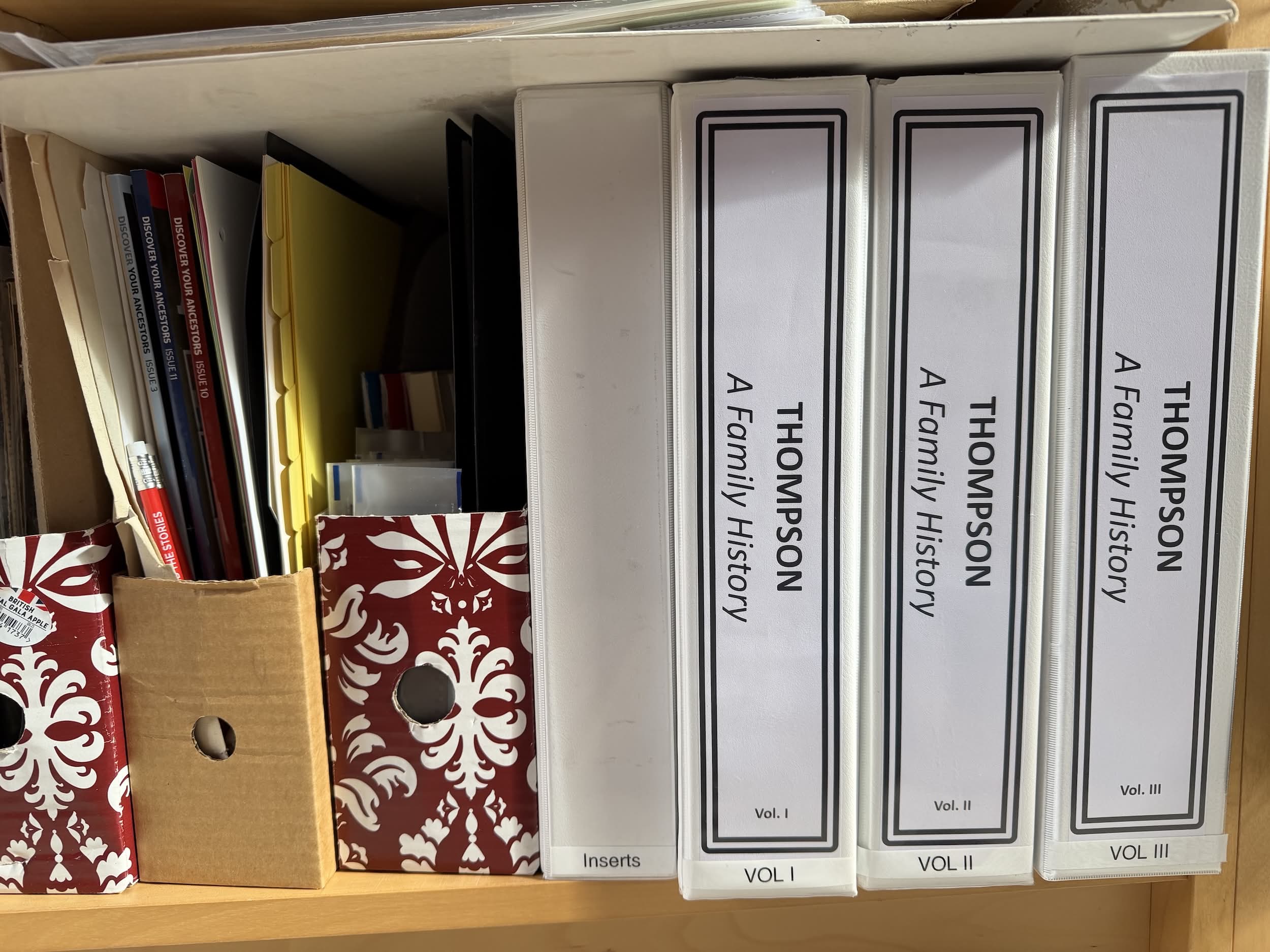
- Use clearly labelled folders or binders
- Separate originals from working copies
- Store certificates in protective sleeves
- Keep a consistent structure that mirrors your digital system
If your digital files are organised by surname, consider doing the same physically.
Consistency is more important than complexity.
Research Logs: Your Secret Weapon
A research log is simply a record of:
- What you searched
- Where you searched
- What you found
- What you did not find
- What to try next
This prevents you from repeating fruitless searches months later.
A simple log might include columns for:
- Date
- Repository / Website
- Person searched
- Search terms
- Result
- Next action
You can keep this in a notebook, Word document, or spreadsheet.
It is especially valuable when tackling “brick walls.”
Tracking Progress
Family history can feel endless.
Tracking progress helps you:
- See which ancestors lack key records
- Identify gaps in timelines
- Plan future research sessions
Simple tools like timelines can reveal missing census entries, unexplained moves, or overlapping events.
Visual gaps often reveal research opportunities.
Using Spreadsheets
Spreadsheets are powerful organisational tools.
You can use them to:
- Track certificates ordered
- Log census appearances
- Monitor DNA matches
- Compare possible individuals with similar names
Typical columns might include:
- Name
- Date of birth
- Location
- Source
- Notes
The ability to sort and filter makes spreadsheets especially useful when dealing with common surnames.
Genealogy Software
Dedicated genealogy software allows you to:
- Build structured family trees
- Attach sources to individuals
- Add notes and research comments
- Generate charts and reports
Many researchers use online platforms such as Ancestry or standalone programs like Family Tree Maker or Gramps.
The key point is this: software is a tool, not a substitute for organisation. You still need good file management and proper source recording.
Combining Tools Effectively
The most effective systems combine:
- Digital folders
- Physical files
- Research logs
- Spreadsheets
- Genealogy software
Think of one as your master system, and the others as supporting tools.
For example:
- Software holds your structured tree
- Folders store document images
- A spreadsheet tracks certificates
- A log tracks ongoing research
Together, they form a coherent system.
Practical Tips for Staying Organised
- Process documents as you receive them
- File immediately — don’t let downloads accumulate
- Set aside occasional “tidy-up” sessions
- Use consistent naming conventions
- Review your research log regularly
Organisation is not a one-off task. It’s a habit.
Final Thoughts
Family history research is detective work — but without a good filing system, even the best detective gets lost.
Getting organised doesn’t have to be complicated. In fact, simpler systems are often more sustainable.
Choose a structure that suits you. Keep it consistent. Back it up. Maintain a research log.
Your future self will be very grateful.