
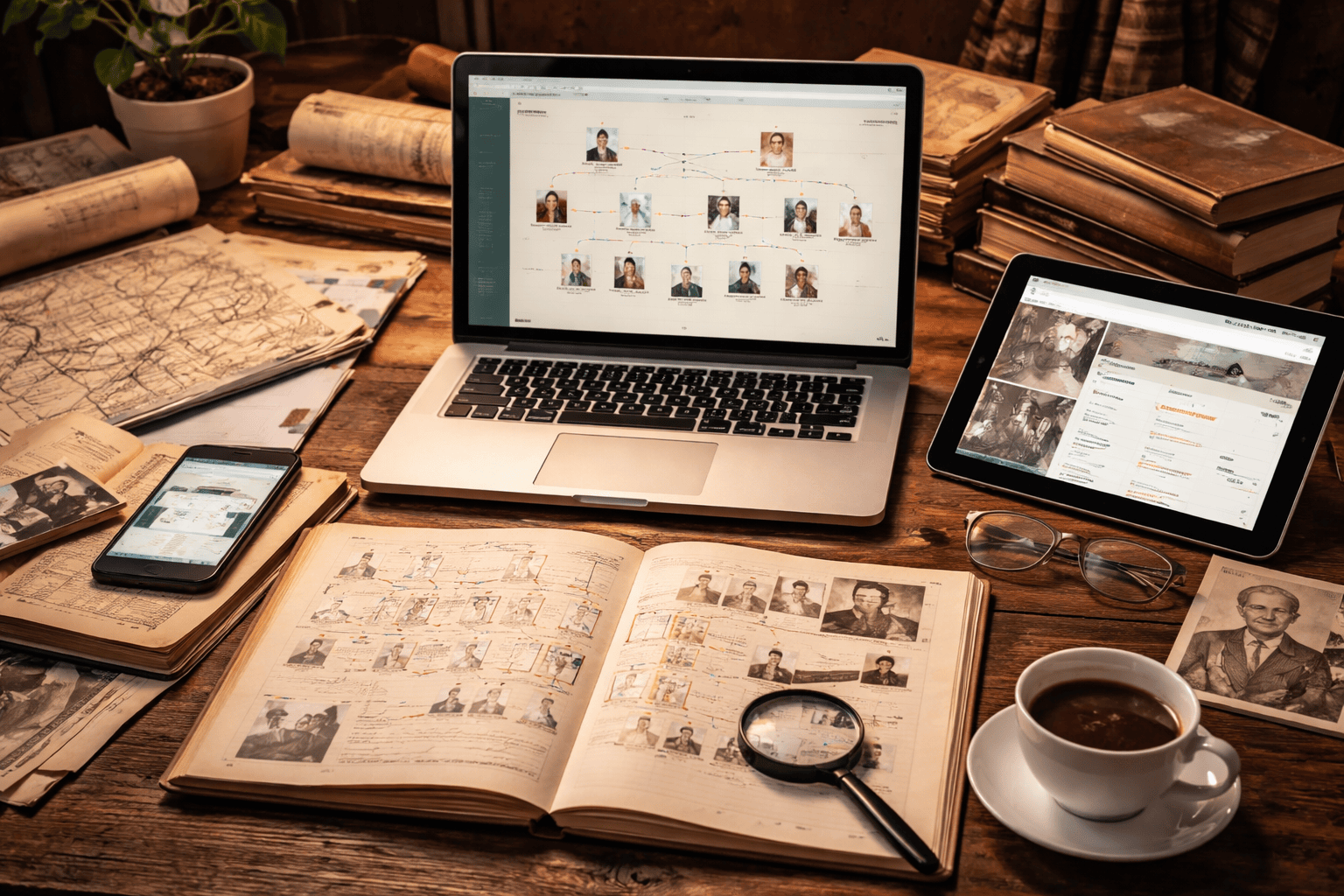
One of the most common questions in family history is:
“What software should I use?”
The honest answer is: it depends on how you like to work.
Here we look at three methods for recording your family history:
- Paper-based systems
- Desktop software
- Online platforms and databases
Each has strengths and weaknesses — and many experienced researchers use a combination.
Let’s look at them in turn.
1. Paper-Based Trees and Notes
Before computers, everything was done on paper — and many people still prefer it.
Advantages
- Tactile and easy to annotate
- No technical skills required
- No cost
- Flexible formats: scrapbooks, binders, timelines, maps
- Ideal for storytelling and presentation
Disadvantages
- Difficult to search or reorganise large trees
- Hard to duplicate or back up
- Requires physical storage space
- No automatic hints or record linking
- No multimedia integration (photos, audio, documents)
Paper works beautifully for small projects or narrative work. But once your tree grows beyond a few generations, it can become unwieldy.
2. Desktop Applications
Desktop genealogy software remains a powerful and popular choice. Examples include:
- Family Tree Maker
- RootsMagic
- Legacy Family Tree
- MacFamilyTree
- Reunion
These are installed directly on your computer (Windows or Mac, depending on the program).
Key Features
- Detailed charts and printable reports
- Full citation management
- Linking of photos, audio, video and documents
- Complete offline working
- Full ownership of your data file (often in proprietary format plus GEDCOM export)
Advantages
- One-off purchase rather than ongoing subscription
- Very powerful reporting and analysis tools
- Strong source documentation features
- Greater privacy — your data lives on your computer
Disadvantages
- Usually tied to one platform (Windows or macOS)
- Collaboration requires exporting and sharing files
- Manual backups are essential
- Up-front cost
For serious researchers who value control and long-term preservation, desktop software is often the backbone of their research.
3. Online Platforms and Databases
The third option is to build your tree directly on an online platform. Major examples include:
- Ancestry
- MyHeritage
- Findmypast
- FamilySearch
- WikiTree
Key Features
- Build and edit your tree in a web browser
- Automatic record hints
- Large integrated databases
- DNA matching (on some platforms)
- Easy collaboration with relatives
Advantages
- Access from anywhere
- Automatic off-site backup
- Huge searchable record collections
- AI-powered hinting and “Smart Matches”
- Simple sharing and collaboration
Disadvantages
- Ongoing subscription costs (though often free via local libraries)
- Vendor lock-in
- Exports may not include all media or tags
- Terms and privacy policies can change
- Site redesigns or outages are outside your control
Online platforms are excellent for discovery and collaboration. They are particularly useful for beginners because the hinting systems guide you towards records you might otherwise miss.
Key Questions to Ask Yourself
Before choosing a system, consider:
- Budget – one-off purchase or subscription model?
- Privacy & Control – who ultimately owns your data?
- Collaboration Needs – are you working alone or with family?
- Record Access – do you want built-in databases?
- Ease of Use – how steep is the learning curve?
- Longevity – will you still be able to open your files in 20 years?
A Hybrid Approach (What Many Researchers Do)
Many experienced genealogists — myself included — use a hybrid system:
- A master tree in desktop software
- Regular backups
- A copy (via GEDCOM) uploaded to an online platform for visibility
Think of the online tree as “cousin bait” — it helps others find you.
This gives you:
- Control
- Longevity
- Collaboration
- Discovery
All without putting all your eggs in one basket.
Final Thoughts
There is no single “best” program.
The best system is the one that:
- You understand
- You use consistently
- You back up properly
- You feel comfortable with
Family history is a long-term project. Choose tools that support your research not just today — but decades into the future.
If you’re unsure which direction to take, try a free version first. Most platforms and desktop applications offer trial or limited editions. Experiment before committing.
And remember — the software is only a tool.
The real value lies in the stories you uncover.