
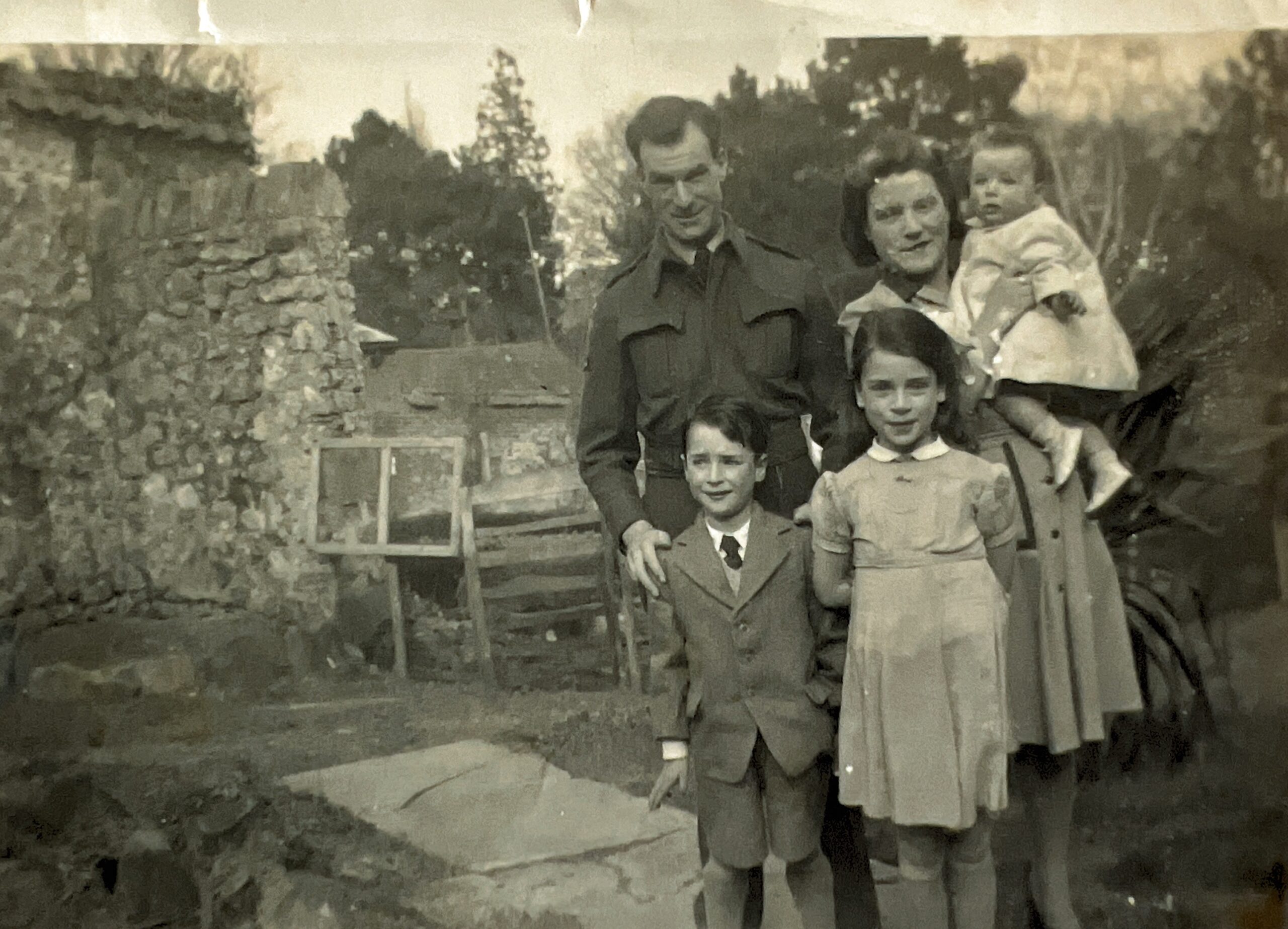
For anyone interested in family history, photographs are among the most precious items we have. They bring names and dates to life, offering a tangible connection to the past. But photos—both physical and digital—are surprisingly fragile. Without a bit of care and planning, they can fade, deteriorate, or simply disappear.
This guide covers the key steps to help you preserve your family photos for future generations.
Why Photo Preservation Matters
Photographs are often the only visual record of our ancestors. Unlike documents, they capture personality, relationships, and moments in time. But they don’t last forever:
- Printed photos can fade, tear, or suffer environmental damage
- Digital images can be lost through device failure, accidental deletion, or poor organisation
- Context (who, where, when) is easily forgotten
A well-preserved photo collection ensures that your family history remains meaningful and accessible.
Storing Physical Photos Safely
Old photographs need the right environment to survive.
Key principles:
- Store in a cool, dry, and stable environment
- Avoid lofts, garages, and damp basements
- Keep photos out of direct sunlight
- Protect from humidity and temperature swings
Use the right materials:
- Acid-free, archival-quality boxes or albums
- Lignin-free paper
- Polyester (Mylar) sleeves
Avoid older “sticky” albums and PVC plastics, which can damage images over time.
Handling tips:
- Use clean, dry hands (or cotton gloves)
- Hold photos by the edges
- Avoid writing on the front
- If labelling, use a soft pencil on the back or keep notes separately
A simple but crucial step: always record who is in the photo, where it was taken, and roughly when. Without that, even the best-preserved image can lose its value within a generation or two.
Repairing and Protecting Old Photos
It’s tempting to try to “fix” damaged photos, but caution is essential.
What you can do:
- Gently flatten minor creases
- Carefully remove loose surface dust
What to avoid:
- Glue, tape, or adhesives
- Attempting major repairs yourself
For valuable or badly damaged images, a professional conservator is the safest option.
A better approach in most cases is to digitise first and work on the digital version instead.
Digitising Your Photo Collection
Creating digital copies is one of the most effective ways to preserve photos.
Why digitise?
- Protects against loss or damage
- Makes sharing easy
- Enables enhancement and restoration
Best method: flatbed scanning
- Scan at 300–600 dpi (higher for small photos)
- Save as JPEG (smaller) or TIFF (higher quality)
Alternative: smartphone apps
- Quick and convenient
- Useful for scanning large collections
However, they can be affected by lighting and reflections, so results may not match a scanner.
Examples: Photomyne or Google Photo Scan.
If photographing photos:
- Use natural, even lighting
- Avoid glare
- Keep the camera parallel to the image
Organising Digital Photos
A well-organised collection is far easier to use—and to pass on.
File naming:
Replace names like IMG_1234.jpg with something meaningful:
1925_JohnSmith_Wedding.jpg
Folder structure:
Choose a simple system and stick to it:
- By family → by person → by date
- Or by event
Add metadata:
Many apps allow you to tag photos with names, dates, and locations. This hidden information can be invaluable later.
Storage and Backup
Digital doesn’t automatically mean safe.
A good rule to follow is the 3-2-1 backup strategy:
- 3 copies of your data
- 2 different types of storage
- 1 copy stored off-site (e.g. cloud or another location)
Typical setup:
- Main copy on your computer
- Backup on an external drive
- Additional backup in the cloud
And importantly—check your backups occasionally to make sure they still work.
Enhancing Photos with AI
Modern tools can dramatically improve old photos.
What’s possible:
- Sharpening blurred images
- Repairing damage
- Colourising black-and-white photos
These tools can make images more engaging and bring out details that were previously hard to see.
But there are caveats:
- Enhancements are not always accurate
- Colourisation is based on guesswork
- AI can introduce details that were never there
For family historians, this raises an important question: are we improving the image, or altering history?
A sensible approach is to keep both versions—the original and the enhanced—and be clear about what has been changed.
Sharing and Planning for the Future
Preserving photos isn’t just about storage—it’s about ensuring they remain accessible.
Consider:
- Sharing copies with family members
- Creating albums or photo books
- Adding stories and context to your images
Also think ahead:
- Who will inherit your photo collection?
- Will they understand your organisation system?
- Will they know who the people are?
A little planning now can prevent a great deal of confusion later.
Final Thoughts
Preserving family photos doesn’t have to be complicated. The key steps are straightforward:
- Store physical photos safely
- Digitise important images
- Organise your collection clearly
- Back everything up
- Share and document your photos
Ultimately, you’re not just saving pictures—you’re preserving your family’s story for future generations.