
In a previous post I talked about how AI can help family historians with their research and the pitfalls that you need to look out for. In a later post I talked about how AI helped me break down a long standing brick wall in my research.
In this post we’re taking a look at NotebookLM, a relatively new AI backed tool, and how it might help you with your family history research.
What is NotebookLM?
NotebookLM is a Google product separate to its search engine and AI chatbot Gemini and accessed from any web browser at https://notebooklm.google.com.
Given this is all about AI I thought that it would be appropriate to ask Gemini, Google’s AI Chatbot, to describe what NotebookLM is. This was its response:
NotebookLM is an AI tool that acts like a personal study partner. Instead of searching the whole internet, it focuses only on the files and notes you give it, making its answers much more reliable and relevant to your work. It can quickly summarise long reports, answer tricky questions, and even help you come up with new ideas based on your own research. Because it always points back to the specific page or paragraph it used, you can easily double-check its facts and keep your projects organised.
And then I asked how can it help the family historian?
For a family historian, NotebookLM acts like a digital archives assistant that helps you make sense of generations of data. By uploading scanned census records, old letters, or PDF transcripts, you can ask the AI to spot connections you might have missed, such as recurring addresses or links between distant relatives. It is particularly brilliant at condensing long, rambling local history documents into concise summaries or creating a timeline of a specific ancestor’s life based on your gathered evidence. Crucially, because it provides direct citations to your uploaded files, you can always verify your family tree’s accuracy without sifting through stacks of paper.
What will it do?
As Gemini pointed out, rather than work on information pulled from the internet, NotebookLM works with files that you upload to it. Once it has those documents you can ask it questions about them or get it to create specific output files basd on them.
At the time of writing NotebookLM supports a variety of images, docs and audio files. The current list of supported file types is pdf, txt, md, docx, csv, pptx, epub, 3g2, 3gp, aac, aif, aifc, aiff, amr, au, avi, cda, m4a, mid, mp3, mp4, mpeg, ogg, opus, ra, ram, snd, wav, wma, avif, bmp, gif, ico, jp2, png, webp, tif, tiff, heic, heif, jpeg, jpg and jpe.
As well as the usual chat type functions that you might have come to expect with AI tools, Notebook LM can also generate a range of predetermined outputs which currently includes:
- Audio overview
- Video overview
- Slide deck
- Mind Map
- Reports
- Flash Cards
- Quiz
- Infographic
- Data table.
Once you have uploaded some documents to NotebookLm the main screen looked like this:
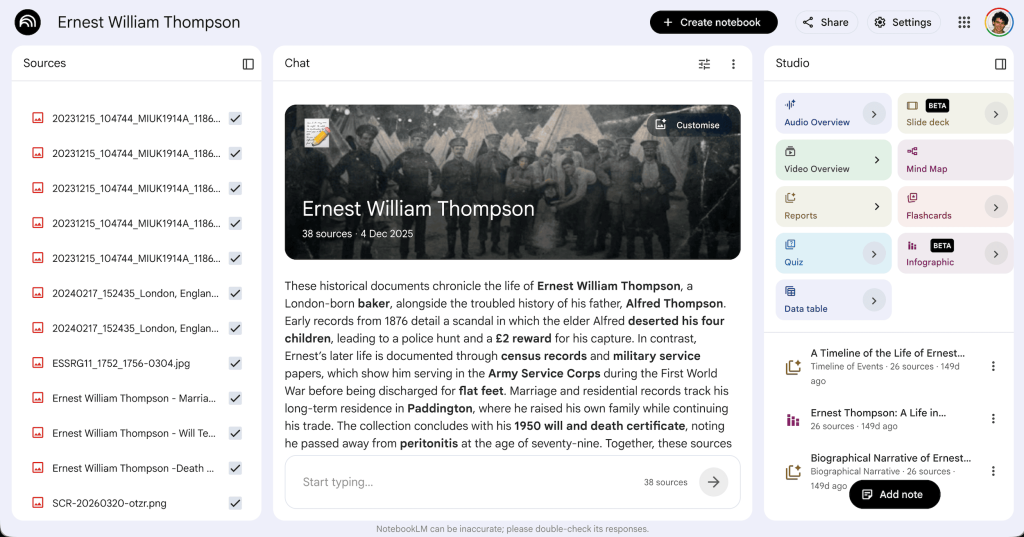
There are three columns showing:
- Left: a list of all the files you have uploaded and at the top a bottom allowing you to add more
- Centre: the chat panel. Here you will see a summary of the documents you have uploaded and you ask questions about the information uploaded
- Right: the studio – a list of buttons that will generate some content for you using standard types. At the bottom of this is a list of items previously created in the studio.
Some Output Examples
To illustrate what NotebookLM can do I fed it all the documents I have on my great-grandfather, Ernest William Thompson. The following were all produced with the Studio functions with no further input from me other than uploading the documents.
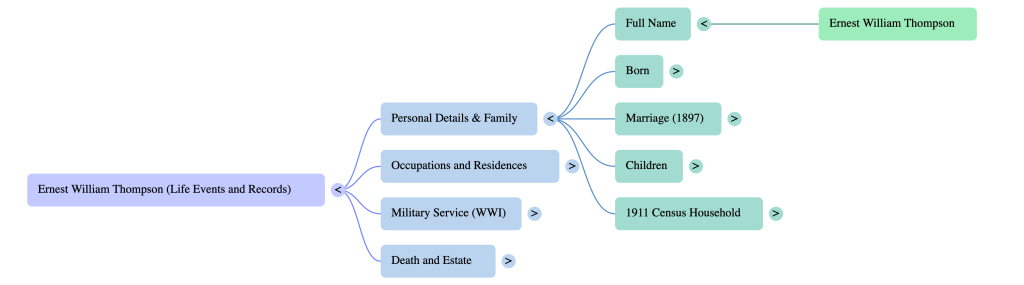
Mind Map
If you are not familiar with Mind Maps they are a way of visualising information in a hierachical way. You can’t tell this from the image below but clicking each “node” on the map opens it out to reveal more information. This is a great help when reseaching as you can quickly navigate through the pertinent details.
You can download an image of the current view shown on the mind map but you cannot download the whole thing or import it into a third party mind mapping tool.
Infographic
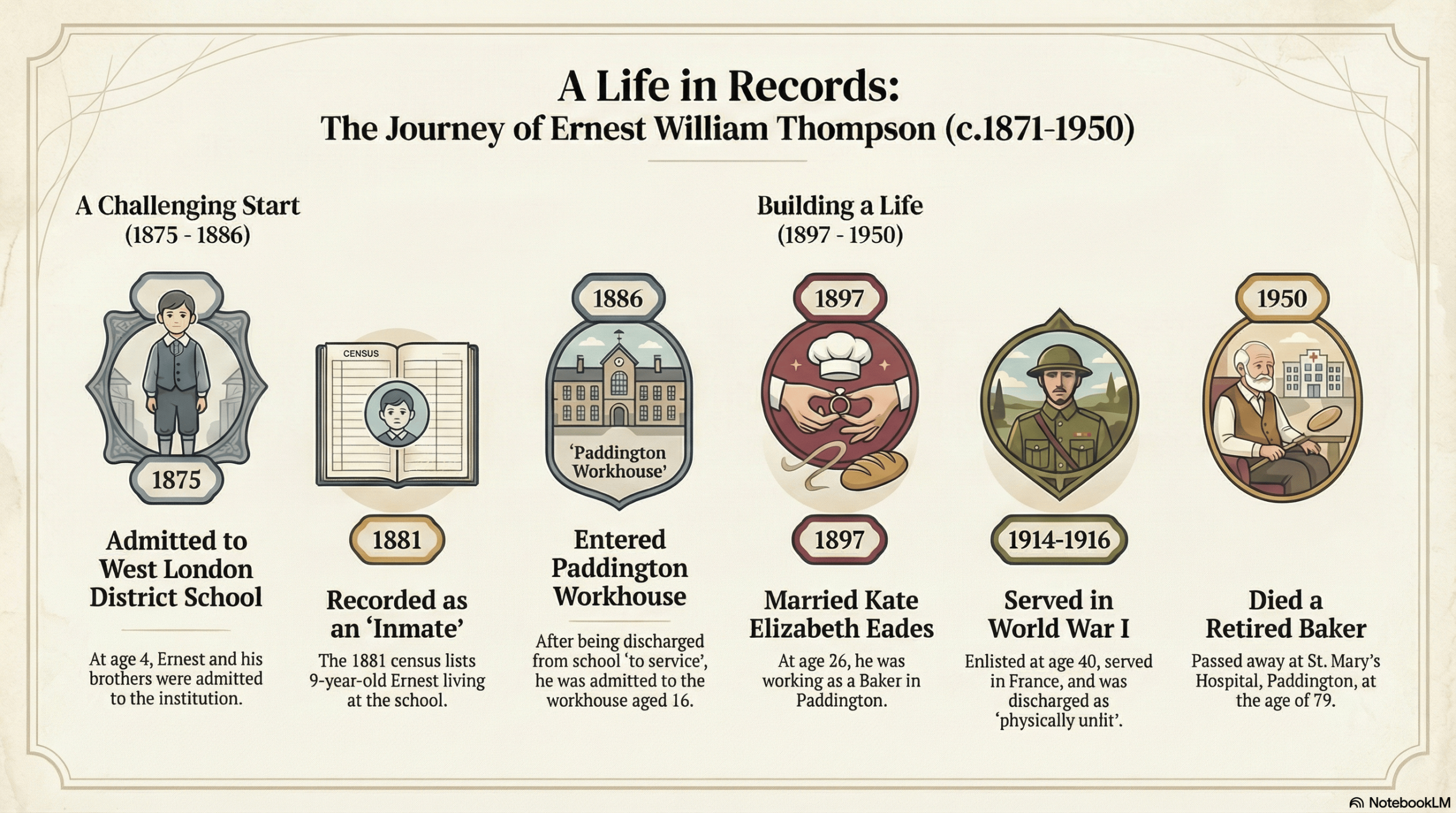
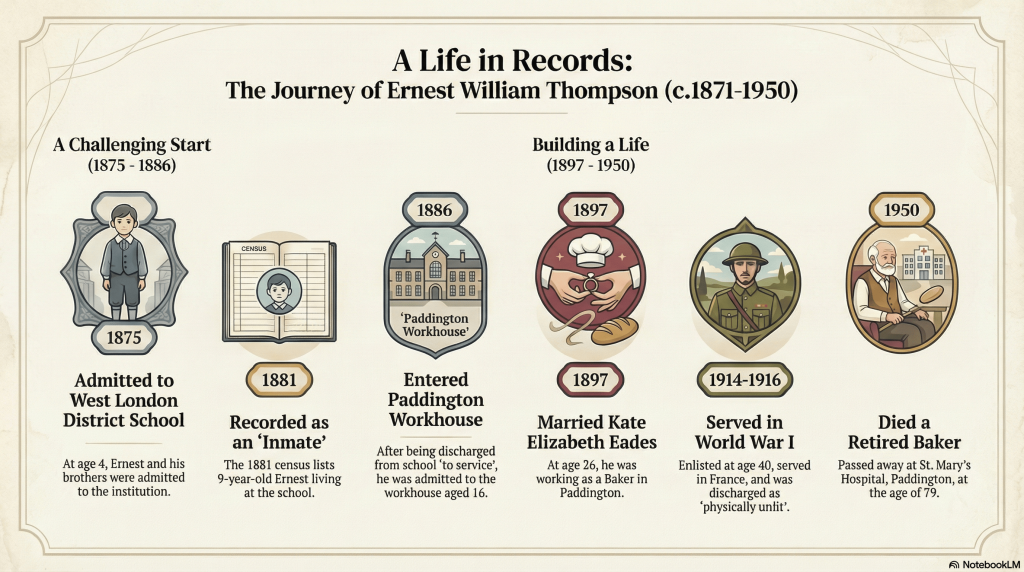
I think that the inforgraphic is probably the impressive part of NotebookLM Studio. The following example was produced from the 20 or so documents that had been collected documenting the life of Ernest William Thompson and uploaded. All this information and dates had been extracted from those documents including many that were hand written.
I love these infographics as they are the sort of thing that you can send out to relatives to get them excited and engaged about your research into their family.
Video
Similarly, the video output is very impressive and engaging.
My only issue with this is that the only English voiceover option is American English. I hope that they add British English in future.
Customising the Output
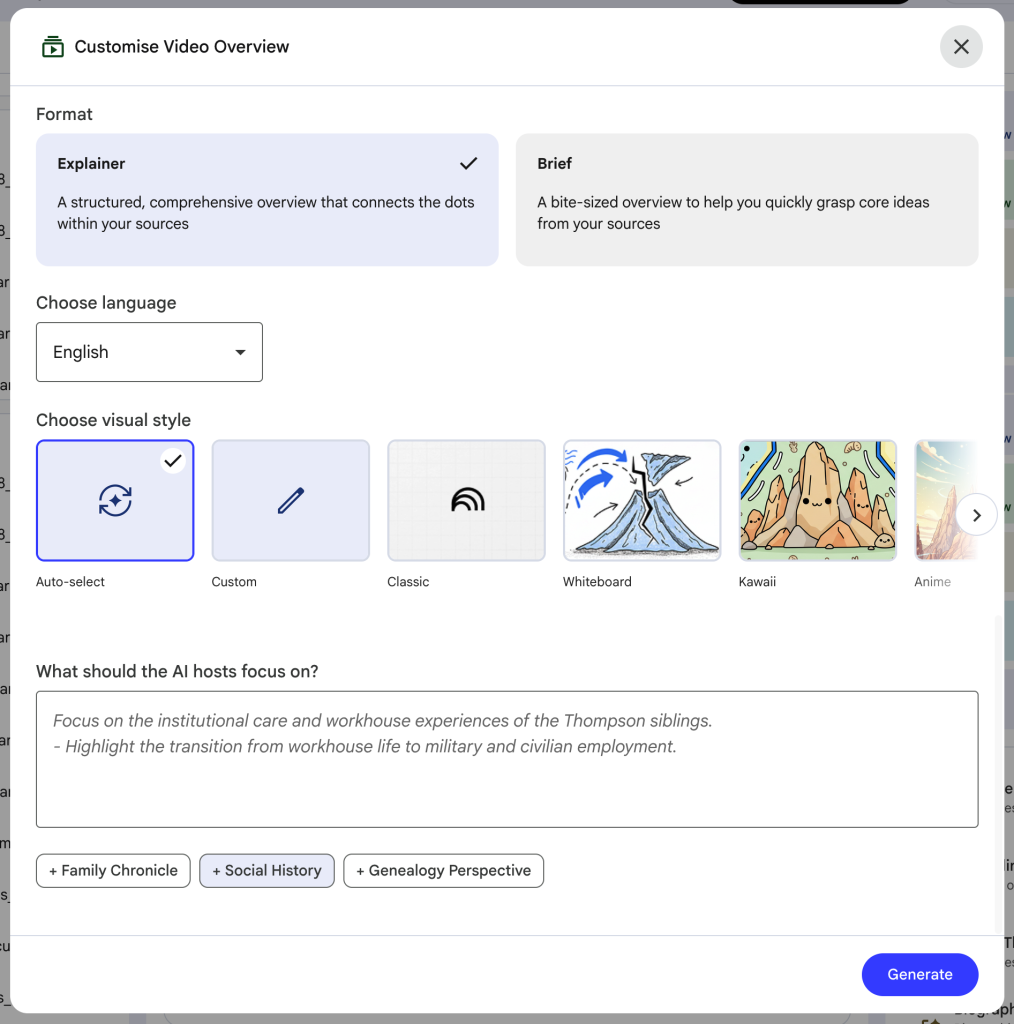
In each of the cases Studio offers you a chance to customise your output. For example the image below shows all the options that are available when creating a video. The most interesting part of this is the “What should the Al hosts focus on?” section as this allows you to guide, using prompts, how you want the output to look.
How have I used it?
The majority of my work in NotebookLM has been in the studio section generating infographics which I can use to better illustrate what I am working on to others. The video was interesting but not terribly useful to me, I found it more of a gimmick.
The chat has also been useful because as it is only concentrating on the documents that it has been given it can be laser focused on them making it much more relevant. As it can also merge information from these documents with wider general information you can get some clear pointers on where to focus your research.
Pitfalls
As with any AI you do need to be careful that it doesn’t get carried away and hallucinate or, even worse, generate ficticious records. I have also had issues with NotebookLM continuing to make mistakes on this like ages even after it has been told it is wrong. However, I suspect that this is a teething problem from a tool that is still very new.
Overall, NotebookLM is an intersting an exciting tool to have in a family historians armoury.